Works with NetFree and other filters
The system is fully adapted to filtered internet - the phones, the app, the control panel, and the website. Most of our customers work this way, so it isn't "support" but the default.
About
Kesher sets up and maintains cloud phone systems - for businesses, yeshivas and institutions, nonprofits, and chesed organizations. Our job is to make the phone simply work: the call reaches the right person, no inquiry falls through, and when something needs to change, you can do it yourself, in a few clicks.
Four stages - from setup to the years that follow. This is how it works with us in practice.
A new number or porting of your existing number, a recorded greeting, an IVR menu, extensions, business hours, and routing for weekdays, Shabbat, and Yom Tov. We set everything up in advance, and you receive a system that is ready to use - not a toolbox.
The heavy part - the servers, the lines, and the infrastructure - sits with us in the cloud and not in a cabinet at your place. All that is left in the office is a phone and a network cable.
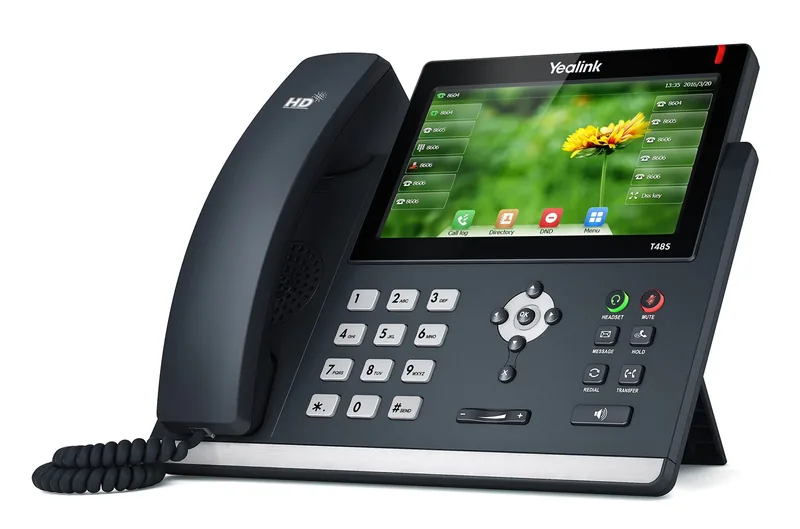
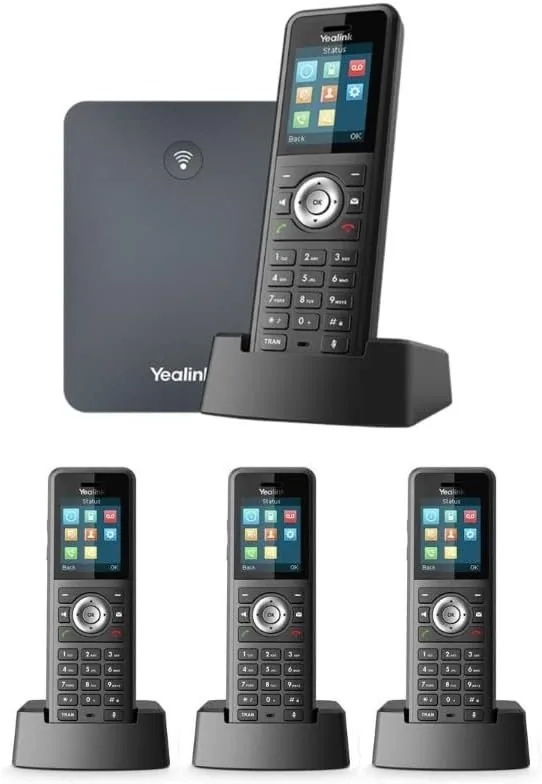
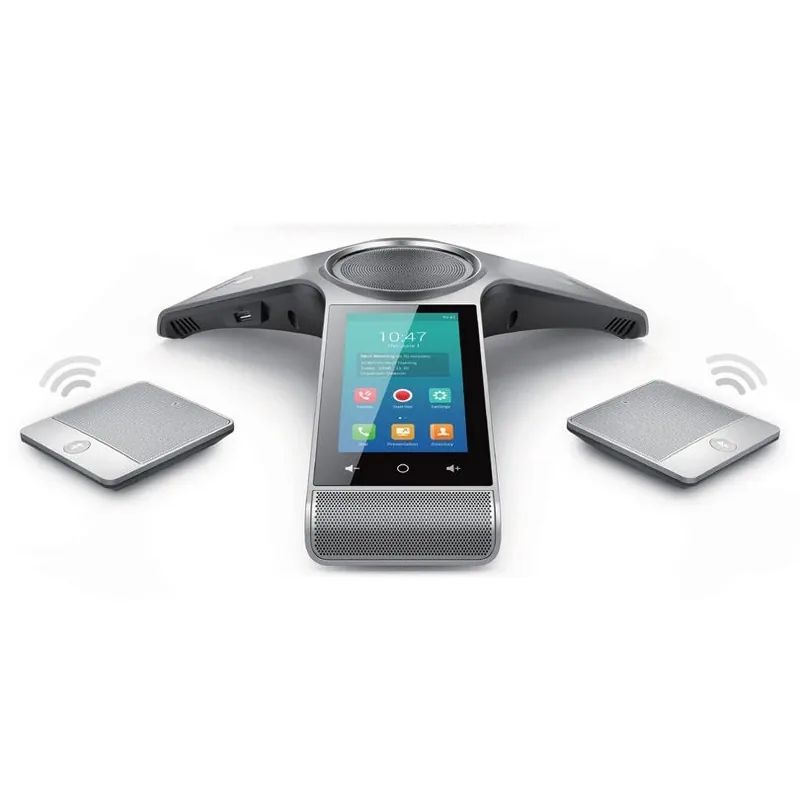
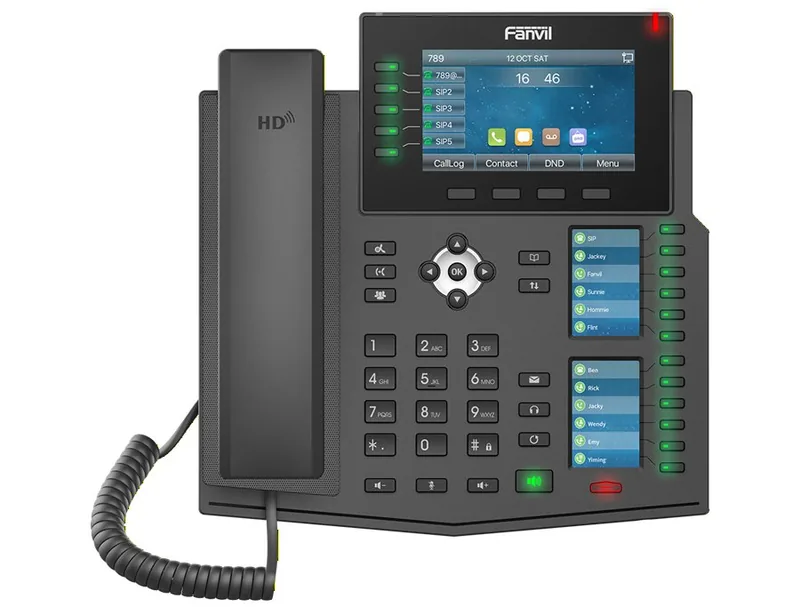
Desktop IP phones, cordless handsets for mobility inside the building, conference phones for the meeting room, and adapters that connect existing analog phones.
The equipment arrives configured for your extensions, so connecting it at your place is one cable and not a project. You can also go without any new device - answering from your mobile phone and computer.
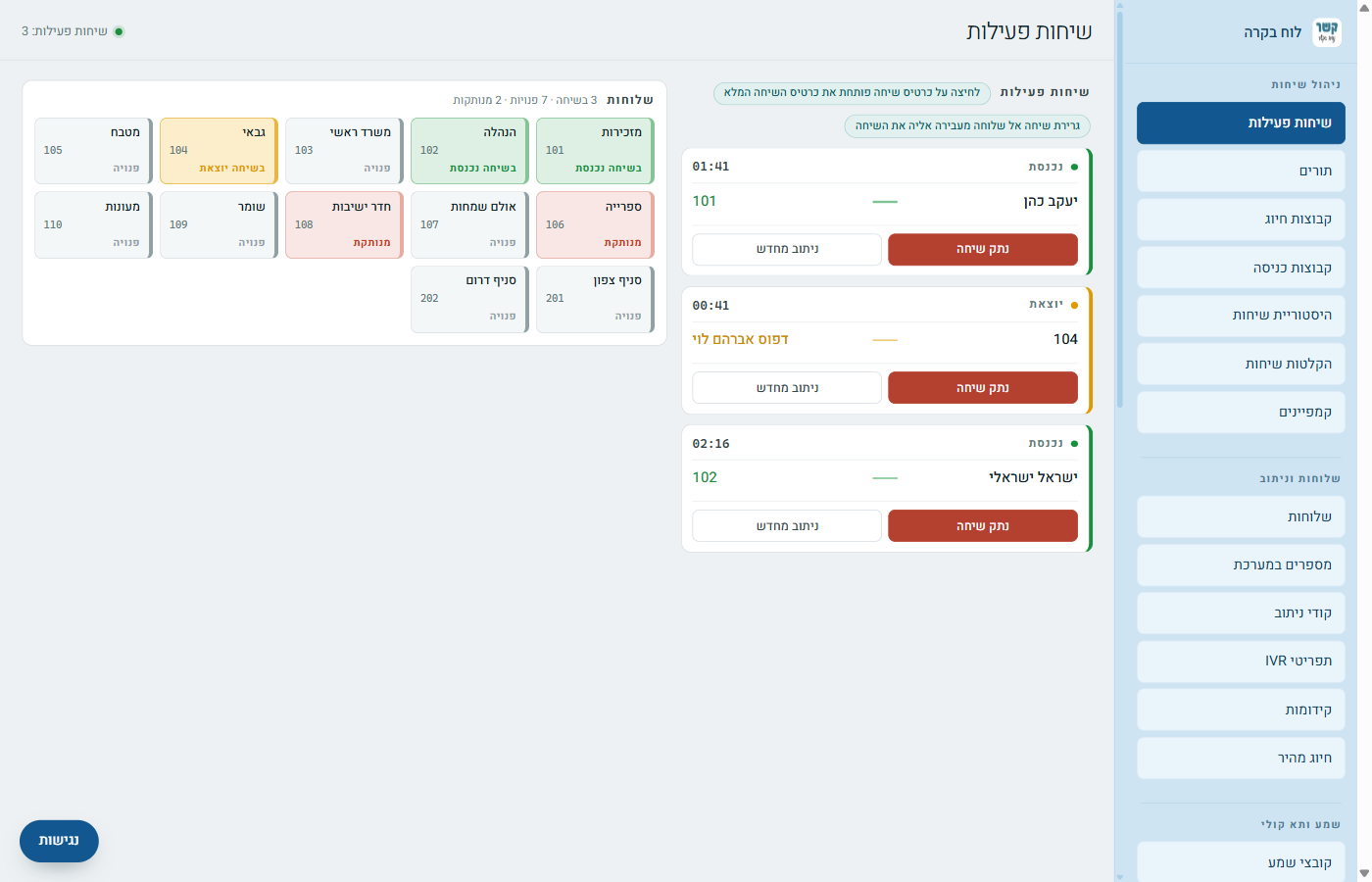
Every customer has a control panel: you see live calls, extension status, and the call log, and you change messages, hours, and routing yourselves - without calling anyone.
Every screen has a written and illustrated guide, step by step, so that even someone who isn't technical can make a small change in two minutes.
On the "Call Flow" screen you see, in one diagram, the entire path a call takes - from the number, through business hours and the menu, to the extension that answers. When something doesn't ring where you expected, this is the first place to look.
And for those who prefer not to touch anything - you call, and we make the change for you.
After setup we don't disappear. A change after a holiday, a department that was added, a problem that needs checking - you call, and a person who knows your system answers and can open it in front of their eyes during the call.
For a problem we see before you do - for example, calls that went unanswered or were abandoned in the queue - you can receive an email alert, so you can call the caller back before they call a competitor.
And with every big change - a new branch, a new call center, an office move - we go through the planning again with you, as on the first day.
Things we learned in the field, and built into the system.
The system is fully adapted to filtered internet - the phones, the app, the control panel, and the website. Most of our customers work this way, so it isn't "support" but the default.
The porting itself usually takes less than a day. Before it, we check that all extensions, menus, and hours are set up correctly and run test calls - and only then do we port. On the day of the switch there are no surprises.
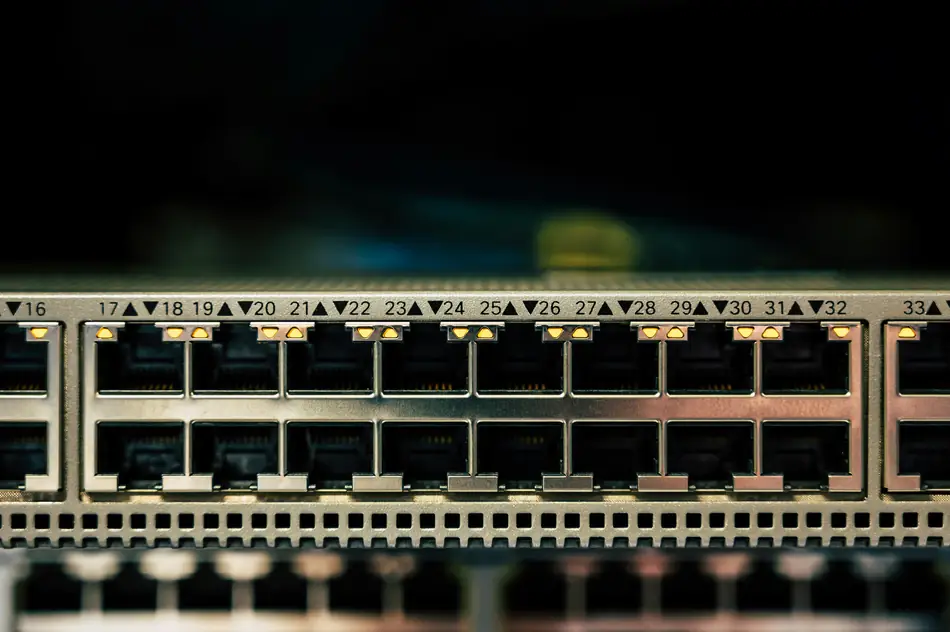
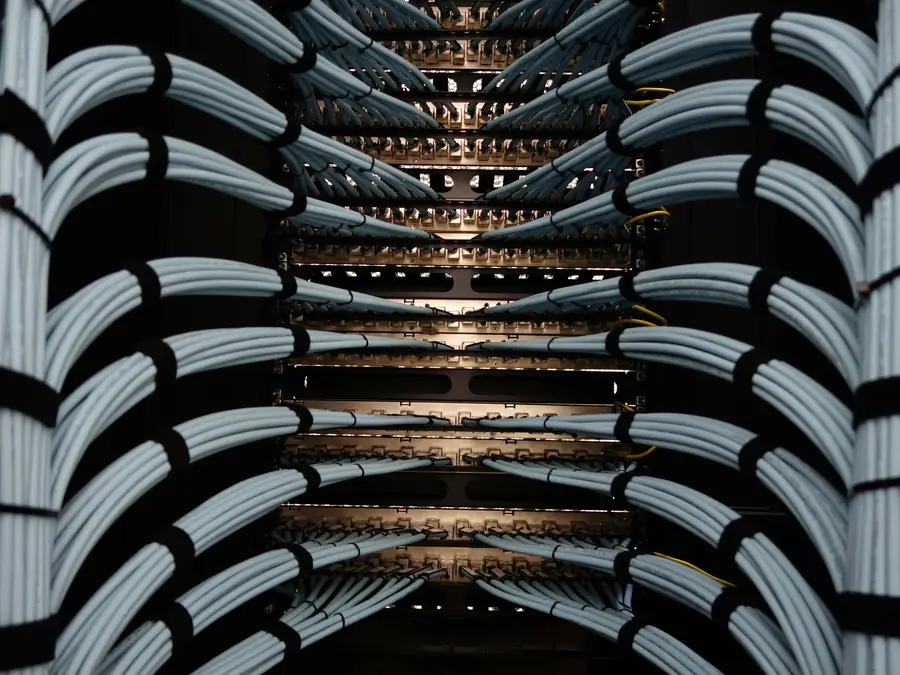
When the office has no proper infrastructure - we run a cable to each station, install a patch panel, a PoE switch, a router, and a UPS, and label everything. This is the physical connection that the cloud PBX relies on.
A dedicated adapter for fax and alarm - not a regular phone adapter. Your existing fax machine and alarm panel keep working, and an incoming fax arrives both by email and on the machine, and prints right away.
A SIM card that acts like an extension: answer and dial from the regular dialer, with no app and no data, and calls go out with the organization's number. Suitable for a kosher mobile phone and for field staff.
Every screen in the control panel has a step-by-step guide with screenshots, plus a Knowledge Center with dozens of articles about the world of telephony - what SIP is, an extension, a queue, a communications cabinet.
A CRM system built on top of the PBX: it identifies the customer by their number, pulls up the full call record, transcribes the recording, and analyzes it with artificial intelligence - a summary, topics, and follow-up tasks. On the next call, the customer's name appears on the display, not just a number.
A PBX API - live calls and history, recordings, SMS, outgoing dialing, and PBX components, using GET or POST, with permissions per user. Under construction.
Want to see what it looks like from the inside? The illustrated guides are open to everyone, even before you are a customer.
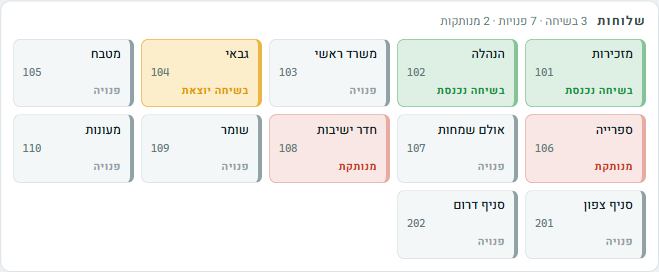
The extensions board: green is free, orange is ringing, red is on a call - no technician needed
Everything the PBX can do - one screen for each topic, and an illustrated guide for each screen.
Who is talking, who is ringing, and how many are waiting - in real time. Transfer a call by dragging it to an extension, or hang up, right from the screen.
For each extension: ring time, destination when unanswered, voicemail, and recording. For each number: routing by hours and by caller, and a "Call Flow" screen that draws the whole path.
An IVR menu and template menus, queues with a live view of waiting callers and agents, and layered hunt groups with a ring time for each layer.
Business hours that you define once and use everywhere - and you can see where each group is in use. Routing codes and speed dial for the whole organization.
Recording groups with a retention period, the recording next to each call in the log, and each call appears once with its path - including unanswered ones.
Recorded greetings, messages that arrive by email as an audio file, and music and messages for hold time - upload, listen, and replace at any moment.
An entry code, PIN codes by role - manager, speaker, and listener - a fixed time and recurring sessions, and invitations to participants by email or phone.
Issue cards for hundreds of bachurim from a list of names, with a voicemail box and password for each; top-up, balance, and blocking from the office; and a student station that dials only approved numbers.
Send SMS from the organization's number, fax from a file in the browser, and a dialing campaign that you schedule in advance - edit at night, schedule for the morning, and the system works for you.
Permissions for each user, login restriction by address, and for resellers - all customers in one place: account login, credit limit and balance, and invoices.
Six steps, no surprises.
You tell us how your phone works today: how many calls, who answers, what bothers you. If what you need is simpler than what we have - we'll say so.
A new number or porting, an IVR menu, extensions, and business hours. A basic setup is usually ready within a business day - even before the old number moves.
The phones, adapters, and switch arrive already configured for your extensions. You connect a cable - and you're working. And if you need a communications cabinet, we set it up.
We run test calls to every extension, the menu, and the queues. When everything works, we port the number, usually in under a day, with no downtime.
The control panel, an illustrated guide for every screen, and a Knowledge Center for every term. You make changes yourself - or ask us.
A change after a holiday, a new employee, a problem - you call, and a person who knows your system answers. Not an automated system and not a queue for an agent.
Yeshivas and chadarim that need calling cards and routing by the daily schedule, nonprofits that run fundraising evenings, businesses that can't afford a missed call, and organizations that fundraise abroad and need a local number in each country. These are some of them:

A large share of our customers are Torah institutions and chesed organizations, and we know their special needs: a phone that knows when it's seder and when it's break, a personal calling card that returns responsibility to the bachur, an information line for parents that saves the office hundreds of calls, and a filtered internet environment that the system must work within, without compromise.
Just as it needs to work for a business that wants calls to reach the right department, or a chain that wants to see all its branches on one screen.
IP phones from Yealink, Fanvil, Cisco, and AudioCodes, cordless phones, conference phones, and dedicated adapters - everything connects to one system and arrives configured and ready to use.
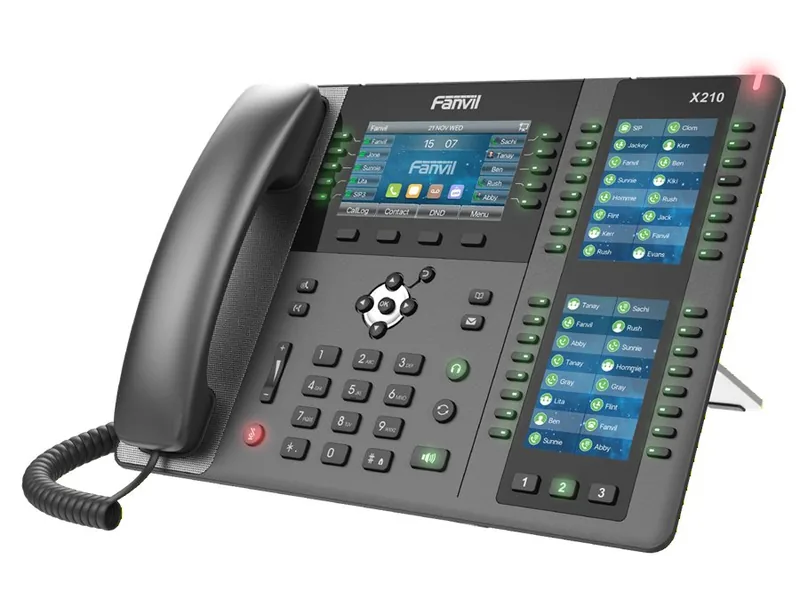
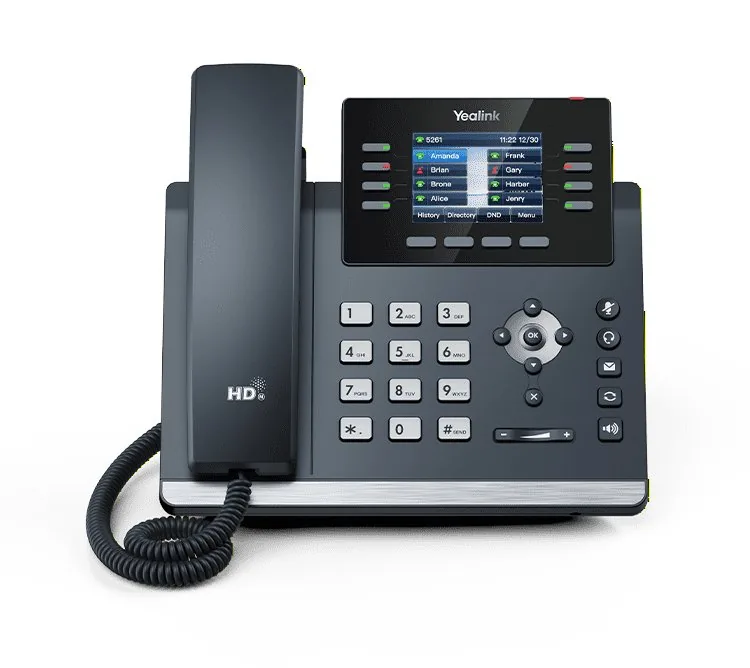
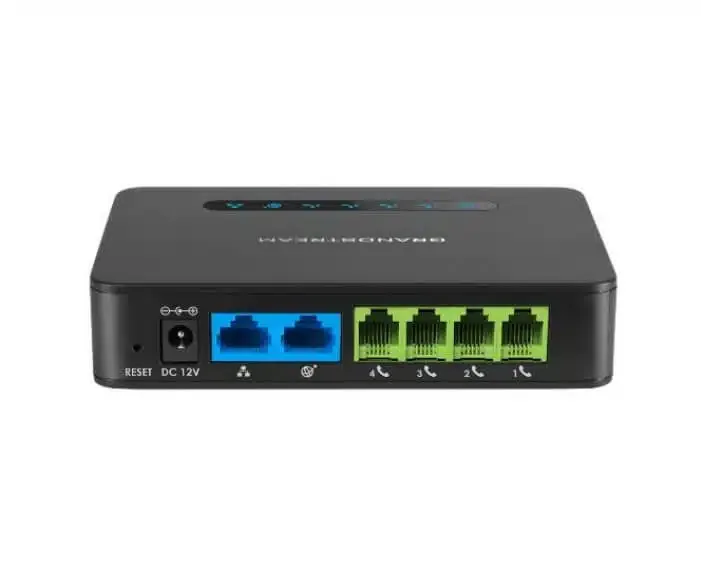
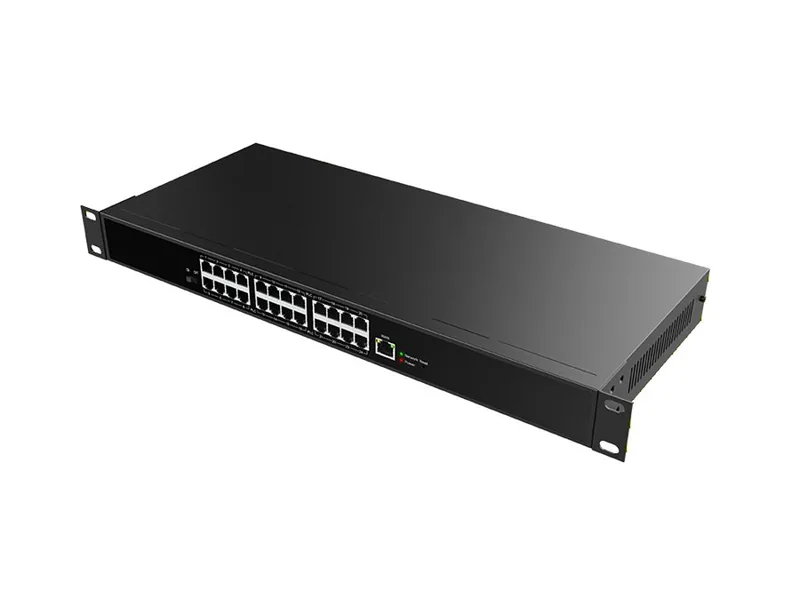
Our system runs on servers deployed in several places around the world, not in an equipment closet in your office. This makes three things possible: the system keeps working even when the office has no power or internet, a call between Israel and abroad takes the shortest path with good quality, and every change is a setting and not a technician's visit.
The recordings, call log, and invoices are also kept there - accessible to you from the control panel at any hour, with no server to maintain and nothing for you to back up.
We operate a global server network that provides high availability and optimal performance for our customers - anywhere, anytime. Our servers are deployed in London, Paris, Rome, Athens, and Moscow, along with additional strategic locations around the world, to ensure a fast and reliable experience. A failure in one place does not stop your phone.
Tell us how your phone works today - who answers, what happens when no one is free, and what bothers you. We'll get back to you with a clear answer, even if it's "you don't need us."
077-921-9000