
Virtual PBX
One number. A complete system behind it.
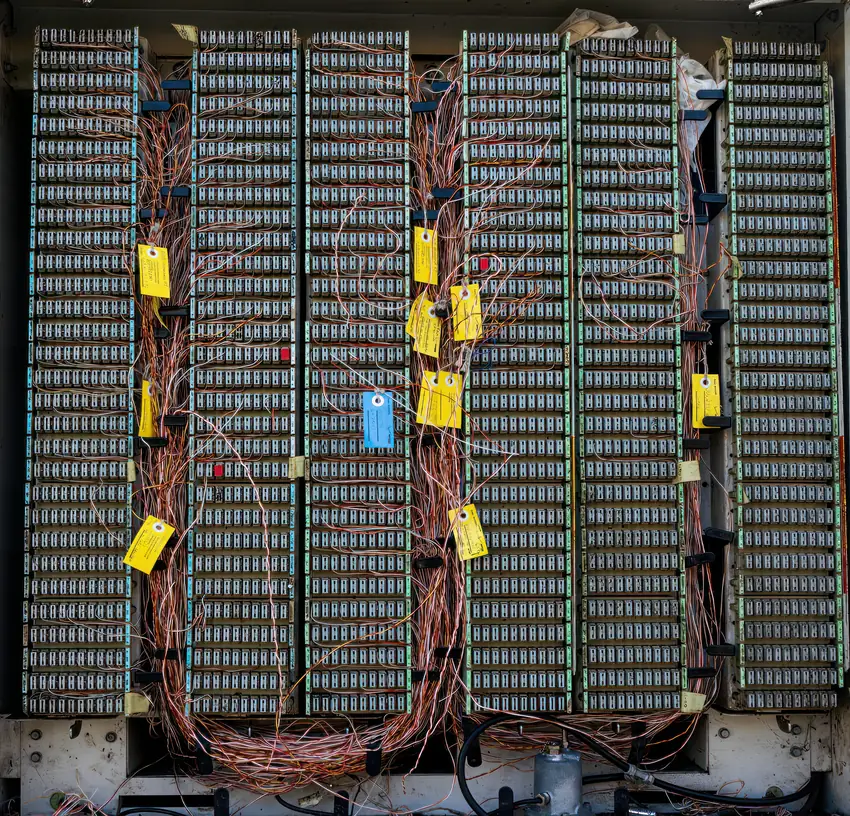
A virtual PBX is the organization's phone system — without the cabinet, the cables and the technician. The system lives in the cloud: an IVR menu greets the caller, extensions ring wherever the staff are, and every setting is managed from a control panel in Hebrew.
- Customer dials The main number — new or ported
- IVR menu "Hello, you've reached..." 1 Office2 Sales3 Fax
- The extension rings At the desk, on the mobile or on the computer — as configured
- Call answered And shown in real time in the control panel
- Record kept A call log, and if you asked — a recording too
A phone system that lives in the cloud, not in a cabinet
In a traditional PBX every change — another extension, a new message, a change of hours — needs a technician. In a virtual PBX everything is a setting, not hardware. That changes how everything works:
Start without investing in equipment
There is no PBX cabinet, no physical lines and no on-site installation. You answer from an internet-enabled desk phone, a mobile app or computer software — and mix them as needed. Moving offices? The PBX moves with you, because it isn't in the wall.
An IVR menu that organizes the day
The caller hears a recorded greeting and chooses where to go — the office, sales, accounting. Calls arrive filtered to the right person, and the phone stops being a constant interruption. You can replace the messages yourself at any time, for example with a holiday message or a sale announcement.
Routing by business hours
During opening hours, calls go to the extensions. After hours — a recorded message, a voicemail box or a transfer to the mobile of whoever is on duty. The system knows the time and the day and routes on its own. Erev Yom Tov and holidays are set up in advance too.
Grow by changing settings, not by running a project
A new employee gets an extension in a few minutes. A new department gets a branch in the menu. An additional number joins the existing system. There is never a moment when "the PBX is too small for us" and everything has to be replaced.
A control panel that sees everything — and changes everything
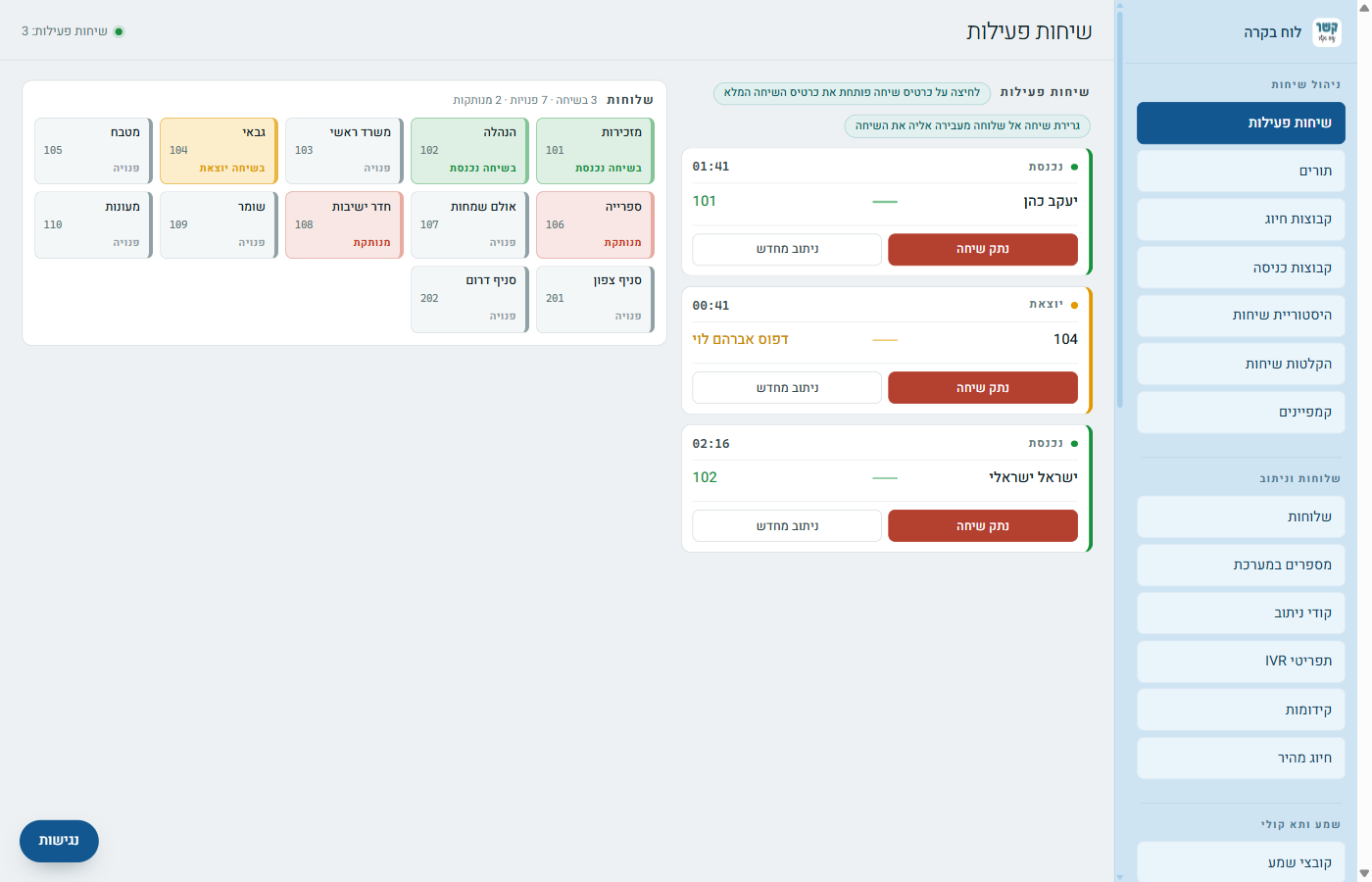
Every customer gets access to a control panel in Hebrew, built so that even a non-technical person can find their way around. Every screen has a written, illustrated guide.
What everyone asks before starting
Can we keep our existing phone number?
Yes. We port your existing number to the PBX, and it keeps working without a break — your customers don't notice the switch. You can of course also get a new number.
What equipment do I need to get started?
Almost nothing. You can answer from an internet-enabled desk phone, a mobile app or computer software — and you can mix them. There's no need for an equipment cabinet, physical lines or on-site installation.
What happens when the office has no power or internet?
The PBX itself lives in the cloud and keeps working. Calls will still be answered according to the routing you set — for example, a transfer to a mobile or to voicemail — until the office is back online.
How long does it take to set up a virtual PBX?
Basic setup — a number, an IVR menu and extensions — is usually ready within one business day. Porting an existing number depends on the previous provider and usually takes several days.
Are calls recorded?
If you want them to be — yes. You choose which extensions or groups are recorded, and the recordings are available to listen to and download from the control panel by date and extension.
What it looks like at organizations like yours
Want to hear how it would work for you?
Tell us what you have today — how many people answer the phone, from where, and what gets in the way — and we'll come back with an organized proposal. No commitment.
077-921-9000