
Cellular SIM Extension
A SIM that isn't a private line. It's an extension on the PBX.
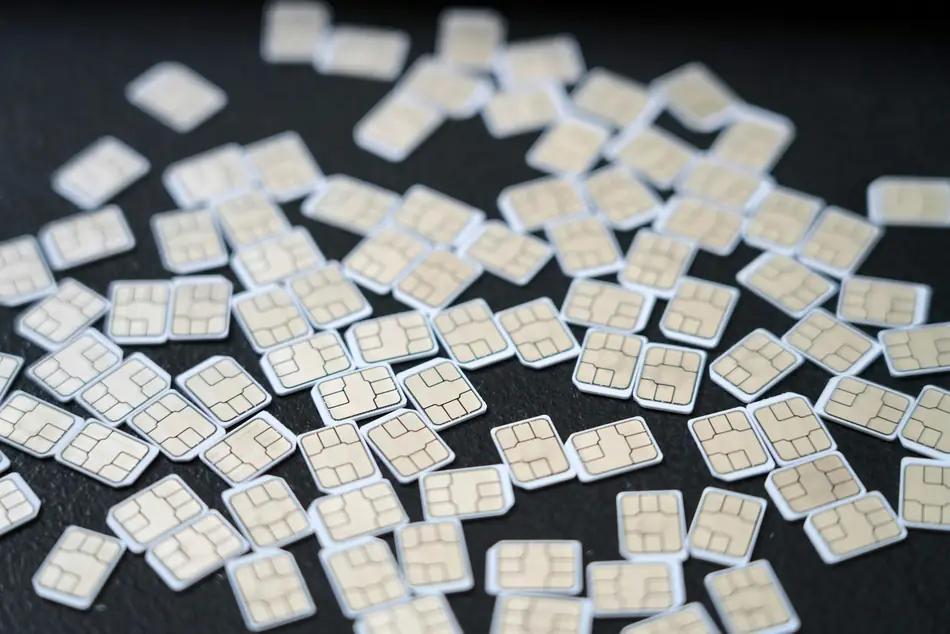
SIMs on the Hot Mobile network, connected directly to your PBX. To the employee, it's a completely regular mobile: pick up and talk, with no app and no data plan. To the organization, it's a full extension: a short number for internal dialing, calls logged in the call log, routing and recording, all controlled from the control panel.
- The caller dials the business number or the extension by short internal dialing
- The PBX routes the call by menu, hours, and answering group
- The SIM rings as a regular cellular call, with no internet
- The call is logged in the organization's call log, with a recording if you set it up
- No answer? There's a backup Back to the queue, to another extension, or to voicemail
Four things a regular cellular line can't do
Internal dialing to and from the mobile
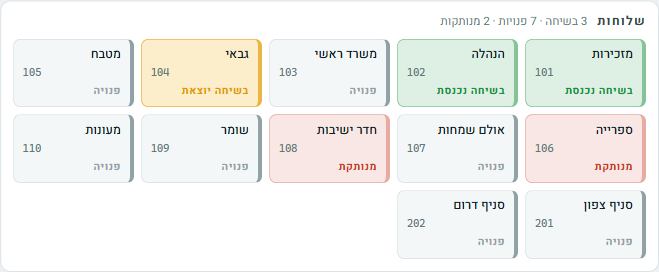
The employee in the field is extension 107. Anyone in the organization dials three digits from any phone, and he dials back the same way, with no need to remember or look up mobile numbers. Transferring a call to him is like transferring to the next room.
The organization shows one number
An outgoing call from the SIM can show the organization's number, landline or cellular, as you choose. The customer saves the business's number, not the employee's mobile, and even if the employee changes, the customer keeps reaching the organization.
The organization's calls are logged
Every call coming in or going out through the SIM is recorded in the organization's call log, with time, number, and duration. If you set up recording, it is recorded like any other extension. No more “I don't know what was said on that call.”
The SIM belongs to the organization, not the employee
When an employee changes, the SIM passes to the next one, and the extension number, routing, and permissions stay as they were. A lost SIM or an employee who has left: block it from the control panel, without waiting for anyone.
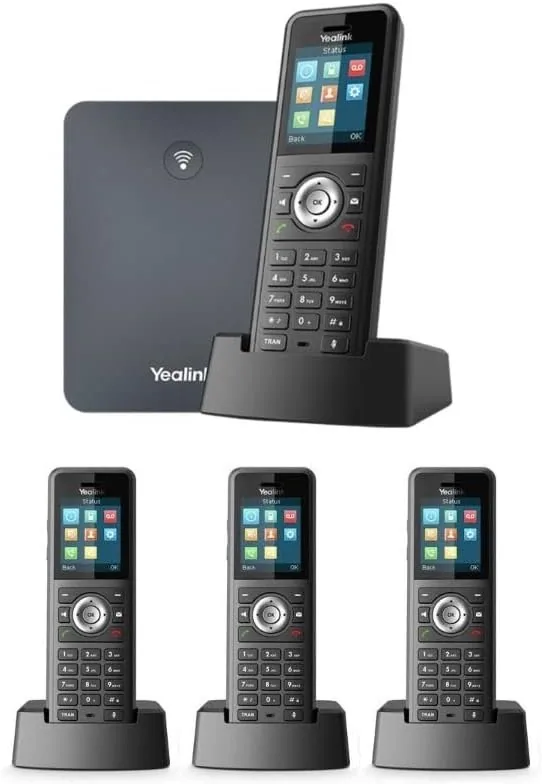
The customer dials a landline number. The phone rings in a pocket.
You can set the SIM to receive and display a landline number of the organization. This is especially suited to two situations we see again and again:
A business without a fixed office
A tradesman who travels between customers publishes a landline number, sounds like an established business, and receives the calls on his mobile, without publishing his private number and without keeping a landline in an office where no one sits.
A person who must be reachable
A building manager, coordinator, or person on duty who must be reachable at all hours gets an extension with the institution's landline number, and when the duty rotates, you change in the control panel which SIM the calls go to.
Everything the PBX knows, for the SIM too
What people ask before switching
What is the difference between a SIM connected to the PBX and a regular SIM?
A regular SIM is a private line that isn't connected to any system: its calls aren't logged in the organization's log, it has no internal dialing, and it can't be routed. A SIM connected to the PBX is a full extension. It has a short extension number, its calls are logged, and you can record, route, and manage it from the control panel, exactly like a phone sitting in the office.
Can I have a landline number on the SIM?
Yes. You can set the SIM to display and receive a landline number of the organization, so the customer sees a business number even when the employee is talking from a mobile. You can also combine them: a landline number for business calls and a cellular number in parallel.
Do I need an app or a data plan for this?
No. This is a physical SIM on the Hot Mobile cellular network. The call goes through as a regular cellular call, with no app, no data plan, and no dependence on internet reception. Even a basic kosher phone works, and this is the main difference between this solution and an extension on an app.
What happens when an employee changes?
The SIM stays with the organization. You pass it to the next employee, and the extension number, routing, and permissions stay as they were, so customers keep reaching the same place. If needed, you block the SIM from the control panel.
Can existing SIMs that we have be transferred?
It depends on the provider and the type of the existing line. Tell us what you have today, including the number of lines, who the provider is, and which devices, and we'll tell you exactly what can be transferred and what is better replaced.
Related
How many cellular lines does your organization have?
Tell us how many employees are in the field, who needs to be reachable, and what happens today when a customer calls an employee's mobile, and we'll show you what it looks like when such a call is part of the system.
077-921-9000