
Mobile and Computer Extension
The office extension sits in your pocket
An extension on our PBX is not a device. It is an identity. The same extension can ring on the desk phone in the office, in the app on your mobile and in software on your computer at home, all at once. You answer wherever is convenient, and the customer on the other end does not know and does not need to know.
- Customer calls the office The regular number, as always
- Three ring together The desk phone in the office, the app on the mobile, the software on the computer
- You answer from the mobile Because you are on the way, and the call sounds like it comes from the office
- Transfer to a colleague A regular internal transfer, even from the app
- And it is all in the log The call is recorded in the system like any office call
Four situations where it saves the day
Working from home that sounds like an office
The employee opens the software on the home computer, plugs in a headset, and as far as the system is concerned he is sitting in the office: the same extension, the same queues, the same transfers. Customers get the same service, and management sees him in the control panel as usual.
Dialing out and showing the organization's number
An outgoing call from the app shows the customer the business's number, not your private mobile. You call a customer back from the car or from home, and your private number stays private.
Traveling abroad without losing the office
Abroad, the app connects to a wireless network or a data plan, and the extension keeps working: you receive the office's calls and dial Israel as if you had not left. No new number, and no asking customers to "call the temporary number."
After-hours duty without sleeping next to the phone
After business hours, urgent calls go to the on-duty extension, which rings for the person on duty in the app. Duty rotates by changing a setting in the control panel, not by handing a physical device from one person to the next.
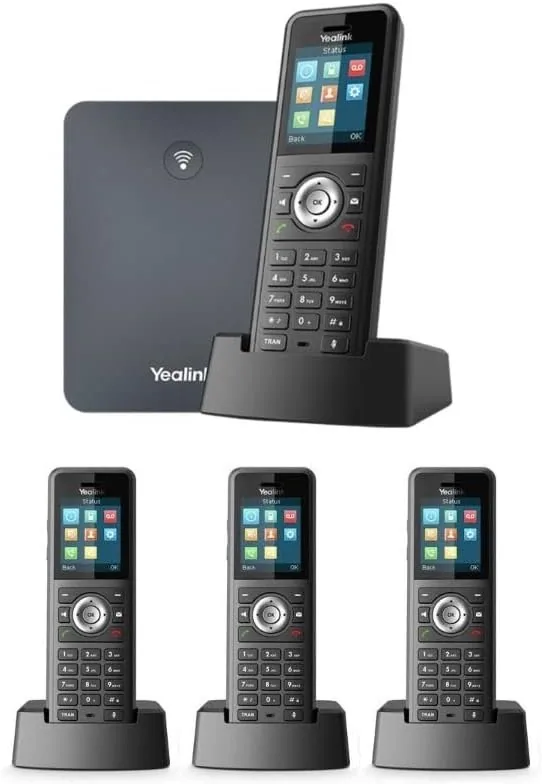
Prefer your personal phone as it is? There is a solution for that too
Not everyone wants to install something. The system can also work with a completely regular personal phone, in both directions:
Incoming calls: routed to your personal number
Set calls from the system to reach your personal phone as a regular call, with no installation at all. If you receive calls from several lines or extensions, you can give each source its own identifying digits. Before you even answer, the number on the display tells you which line the call came from, and you answer accordingly.
Outgoing calls, using remote access through the PBX
Dial the system's access number from your personal phone, identify yourself, and dial out through the PBX. The customer sees the organization's number, and the call behaves like any office call: it is logged, recorded if you set up recording, and subject to all the system's settings.
Less than you might think
What people ask before starting
What is the difference between this and regular call forwarding to a mobile?
With the app, you are a full extension: you answer, transfer, and dial out from the organization's number, and everything is recorded in the system's call log. If you prefer no app, you can combine routing to your personal number, including identifying digits that show which line the call came from, with remote access for outgoing calls through the PBX. The app simply packs it all in one place.
What happens when I have no reception or internet on my mobile?
The call doesn't just vanish. It continues according to the routing you set: it rings the desk phone in the office, goes to another employee, or reaches the voicemail box that is sent to your email. When you are back online, the app reconnects on its own.
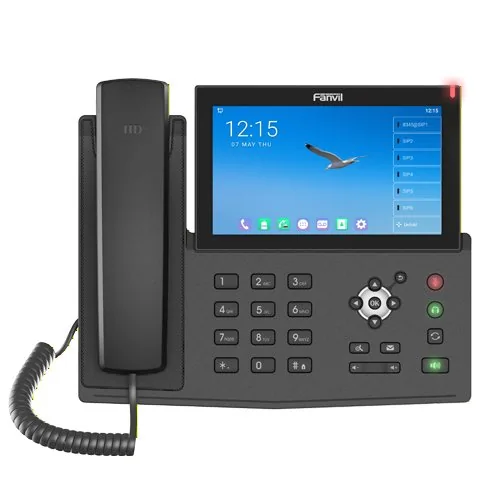
Do I also need a desk phone, or is an app enough?
You can use just an app, just a desk phone, or both on the same extension. When someone calls you, both ring and you answer wherever is convenient. Some businesses work entirely without a physical phone.
My computer has filtered internet. Will the software work?
Yes. Our system, including the computer software, the app, and the control panel, is built to work fully in a filtered internet environment. It is part of the design, not an add-on.
Related
Want to see it work for you?
We'll set up a trial extension on your mobile or computer, and you'll feel for yourself what it's like when the office goes with you.
077-921-9000