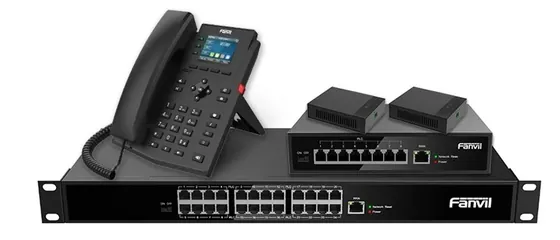
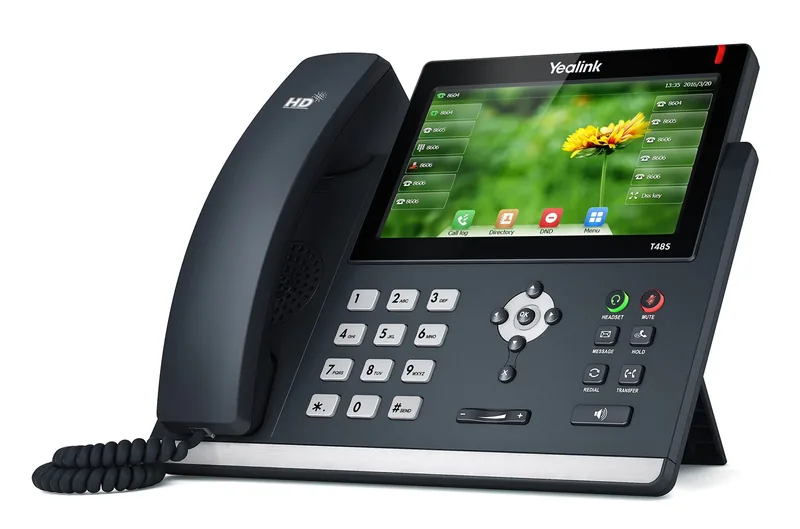
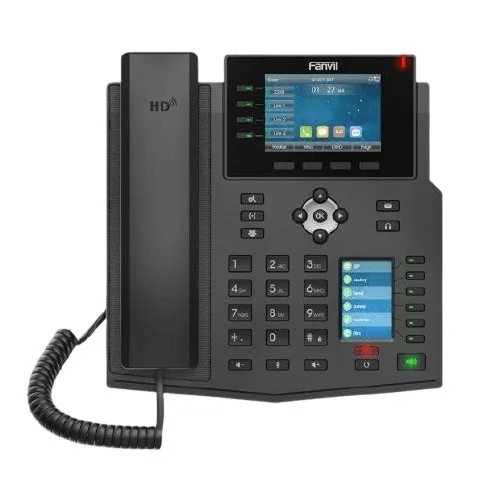
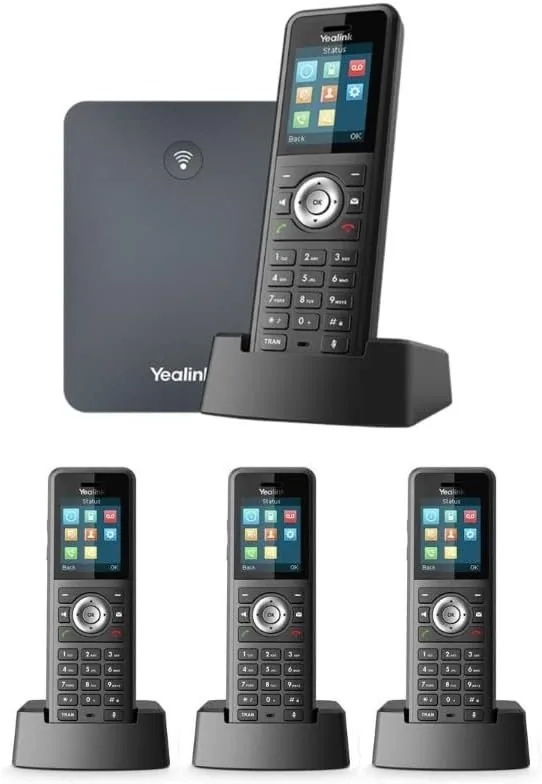
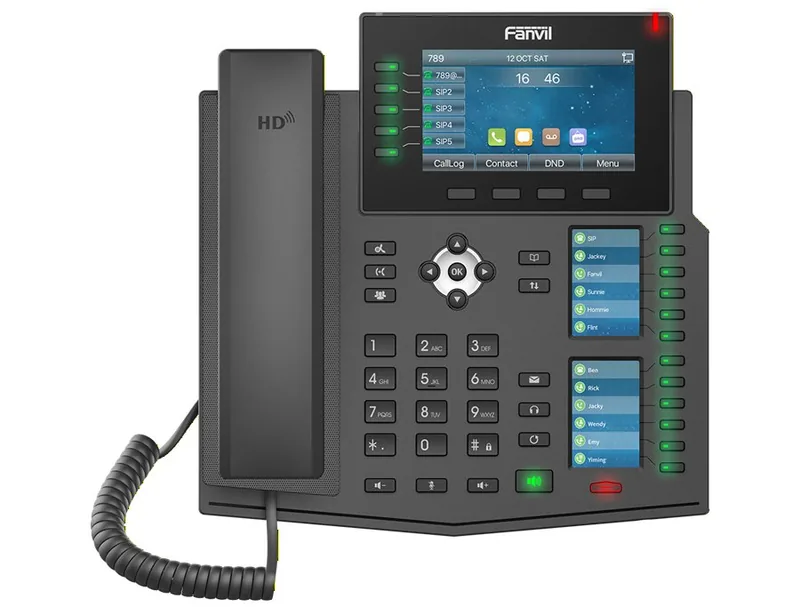
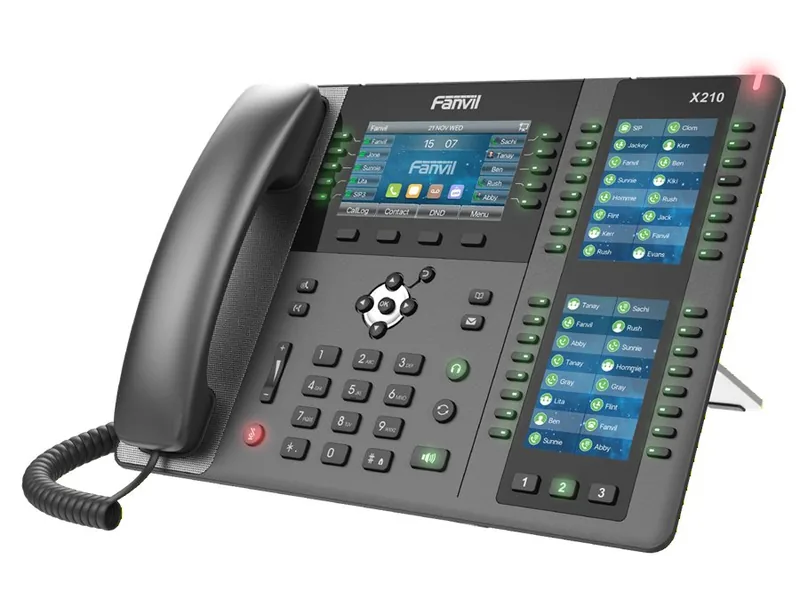
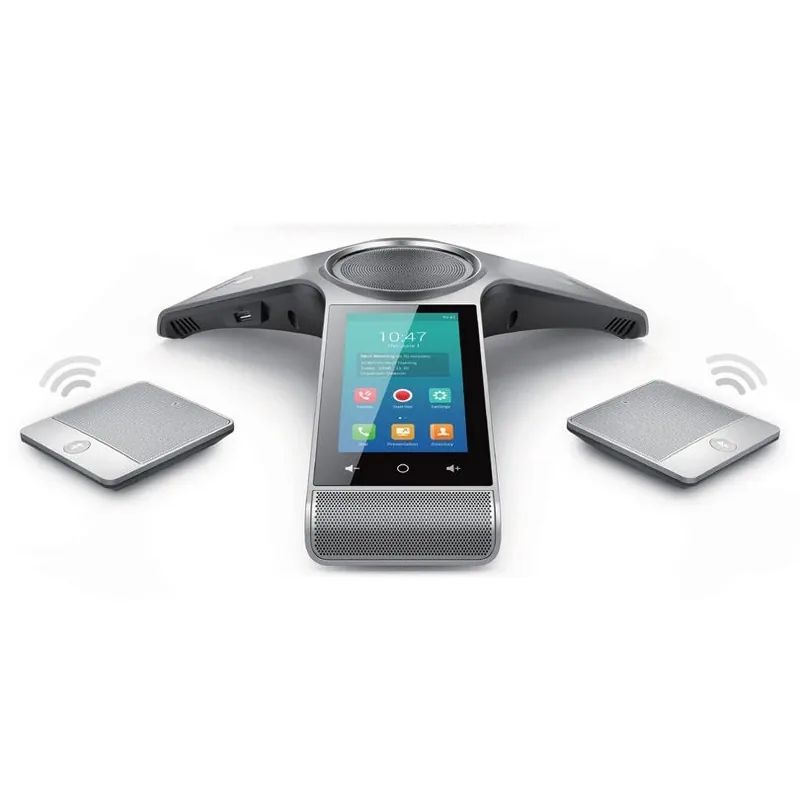
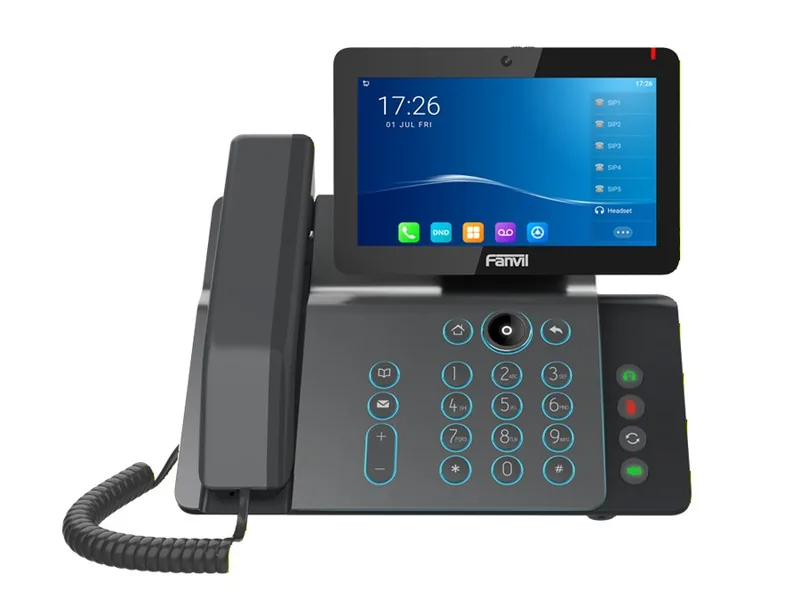
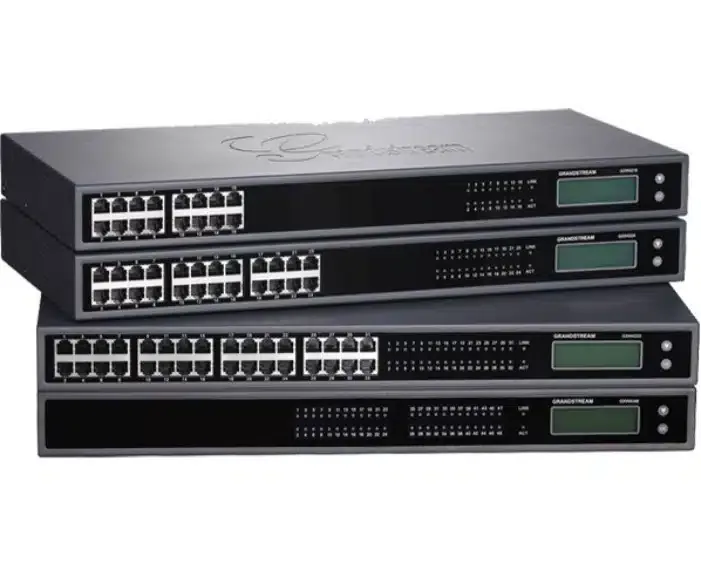
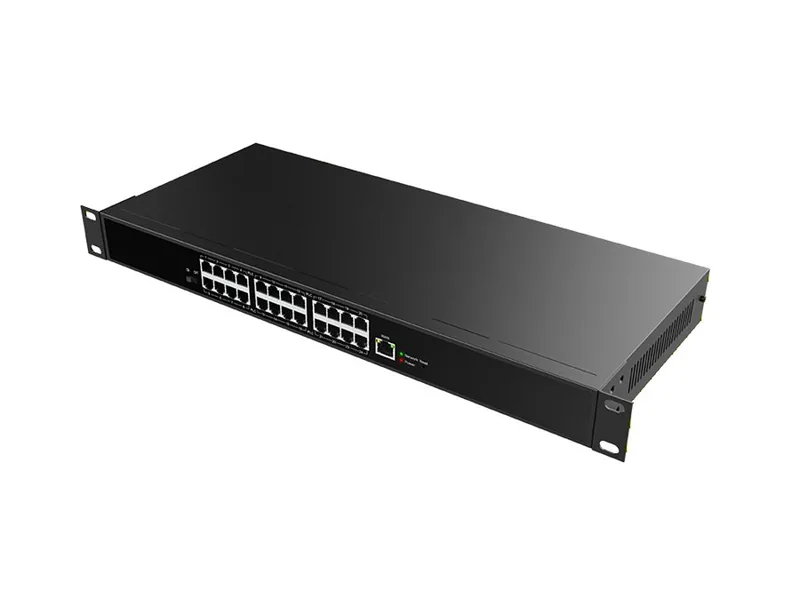
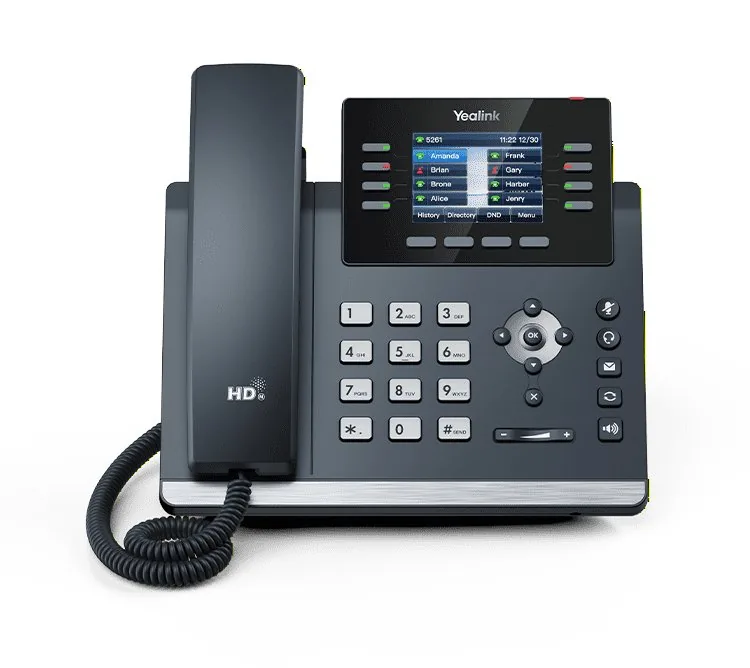
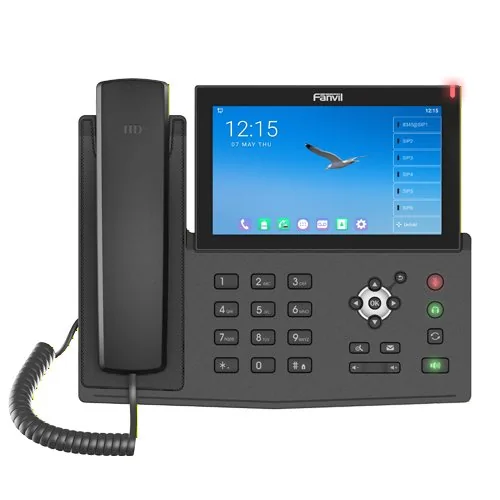
IP phones from Yealink, Fanvil, Cisco, and AudioCodes, cordless phones, conference phones, and adapters for analog lines - everything connects to one system and arrives configured and ready to use.
Fanvil X6Receptionist console with illuminated extension keysYealink T48S7-inch touchscreen for fast call handlingFanvil X210For call centers and management stations - up to 116 keysYealink W79PFull mobility inside the building - up to 20 handsetsYealink CP960Conference room phone - clear sound for every participantFanvil V67Smart screen with video calls and intercomGrandstream GXWConnects your existing analog phones to the systemPoE SwitchPowers the phones through the network cableYealink T44UAn everyday workstation phone - reliable and simpleFanvil X7AFull Android on the desk - apps too
What the PBX Can Do
Everything your business phone needs
From the first ring to the report at the end of the month - routing, queues, recordings, call center, and alerts, all on one system.
High reliability
Every call matters to your business. That is why our PBX runs in the cloud, on a server infrastructure with backup and redundancy at every layer - when one component has a problem, another keeps serving, and calls keep coming in.
Even when the office has no power or no internet, the PBX keeps working. From the control panel, anywhere, you redirect calls to a mobile phone or another branch - and customers always reach someone.
Smart call routing
Every call goes straight to the person who can help. An IVR menu in your own recording - "For service press 1, for sales press 2" - directs the caller to the right department, with no one transferring calls by hand.
Routing changes by time and day: during business hours to the office, and outside business hours to the on-duty person or a recorded message. You can also route by the caller's number - an important customer goes straight to their account manager, and an unwanted number is disconnected right away.
Queues and customer experience
Waiting doesn't have to be frustrating. Music on hold, messages you record, and an update to the caller on their place in the queue - so they know they haven't been forgotten.
The queue distributes calls among agents by availability, in a fixed order, or to whoever has been free the longest. And anyone who doesn't want to wait can choose a callback: the system calls them by itself as soon as an agent becomes free.
Call recording and logs
You choose what to record - all calls, only certain extensions, only incoming or only outgoing - and how long to keep the recordings.
You listen to and download recordings directly from the call log, next to each call. Messages left in the voicemail box also arrive by email as an audio file, so you don't need to dial the mailbox to hear them.
Work from anywhere
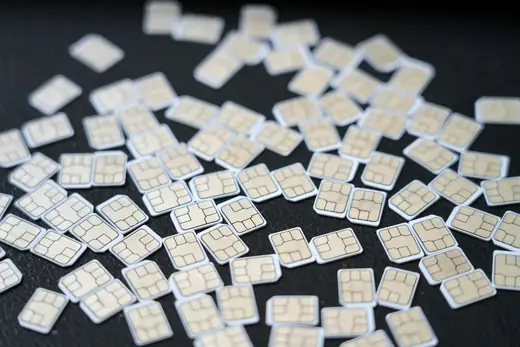
The office goes with you: an extension in a mobile app or in software on your computer, or a SIM extension that works with no app at all. Every outgoing call shows the business number - from home, on the road, or abroad.
Need a presence overseas? A local number in New York, London, or Antwerp rings at your place in Israel. For customers it's a local call, and for you there are affordable calling packages abroad.
SMS, fax, and alerts
Send SMS from the business number directly from the control panel - confirmations, reminders, and updates. Send faxes from a PDF or Word file in the browser, and incoming faxes arrive by email, with no machine and no paper.
And the PBX keeps you informed too: an email or SMS alert about an unanswered call or a customer who waited and hung up - so you can get back to them before they call someone else.
Call center
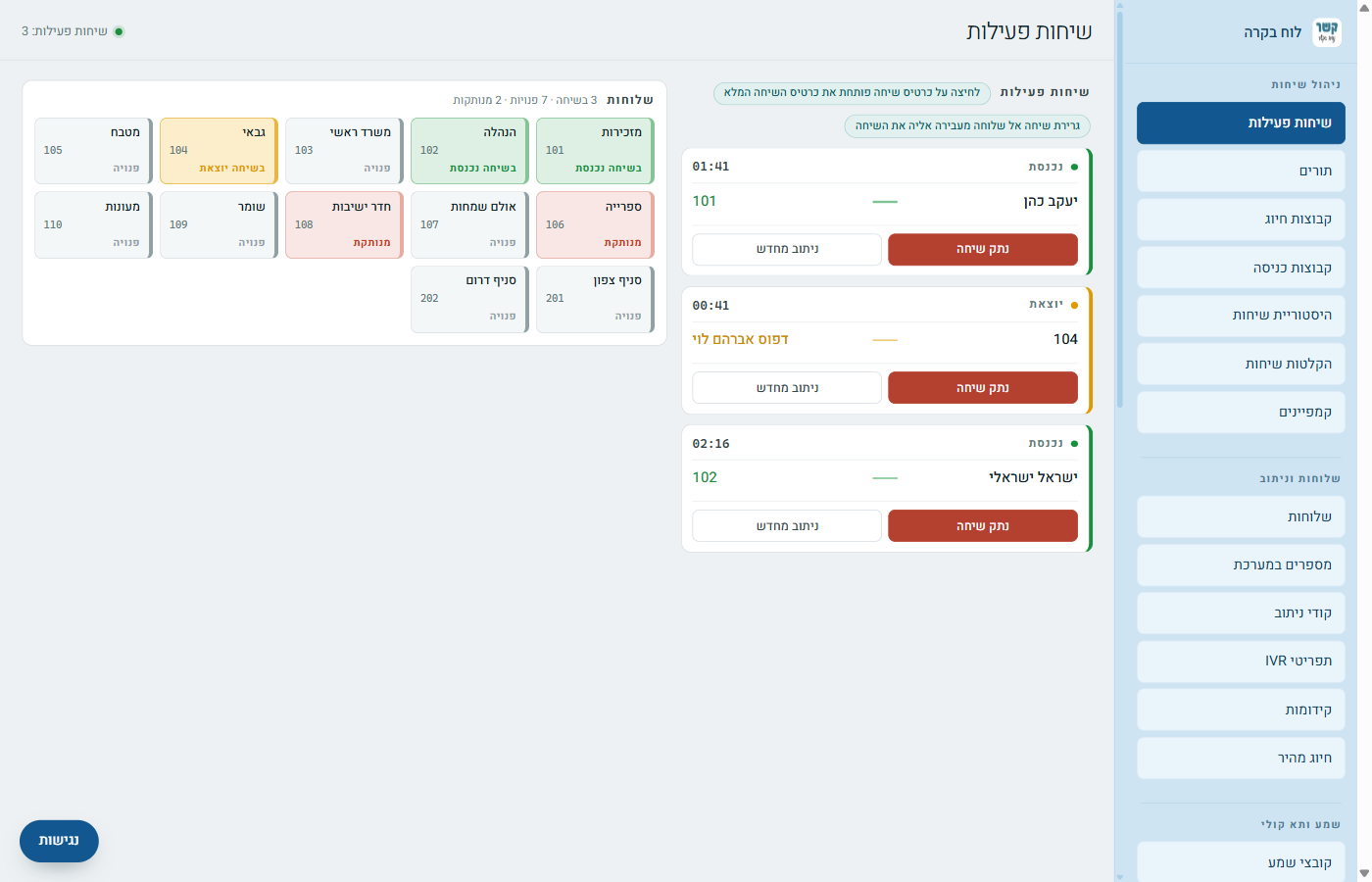
A live control panel shows who is on a call, who is free, and how many are waiting in each queue and for how long - all on one screen, in real time. Agents see in advance which number and which line the call is coming from.
Managers control queue login and breaks, and reports show wait times, abandoned calls, and each agent's performance. For training - listening in on a live call, openly or silently.
Integration with your systems
The PBX connects to the systems you already use - CRM, accounting, or your website - so every call is linked to the right customer.
For developers there is an API, using GET or POST: live calls and history, recordings, SMS, outgoing dialing, and control of PBX components - so you can build exactly what your organization needs.
Conference Rooms
A shared call for several participants: dial the number, enter the room code, and you're in. Each room has PIN codes by role - manager, speaker, and listener - so it suits both a board meeting and a weekly phone class.
You can set a fixed time and recurring sessions, hold participants with music until the manager joins, and send participants an invitation by email or phone.
Our servers
A global server network, deployed in London, Paris, Rome, Athens, and Moscow, along with additional locations around the world - so the PBX is available and fast anywhere, at any hour.
Deployment across several countries is also a layer of protection: the service does not depend on a single data center, so a failure in one place does not stop your phone.
Service and support
With us, you get a PBX and also a team that knows it. Need to add an employee, change a menu message, update business hours, or fix a problem? Contact us and we'll take care of it - or teach you to do it yourself.
Every screen in the control panel has an illustrated guide, and every question is answered by a person, not an automated system. You focus on the business, and we make sure the phone works.
Who It's For
Why choose Kesher?
Infrastructure, deployment, and support - what stands behind every call that passes through us.
Yeshivas and Institutions
A Torah institution is not an office. The phone respects the daily schedule: during seder, the dorm phone doesn't ring, and the caller hears a message directing them to contact hours - or leaves a message in the bachur's voicemail box.
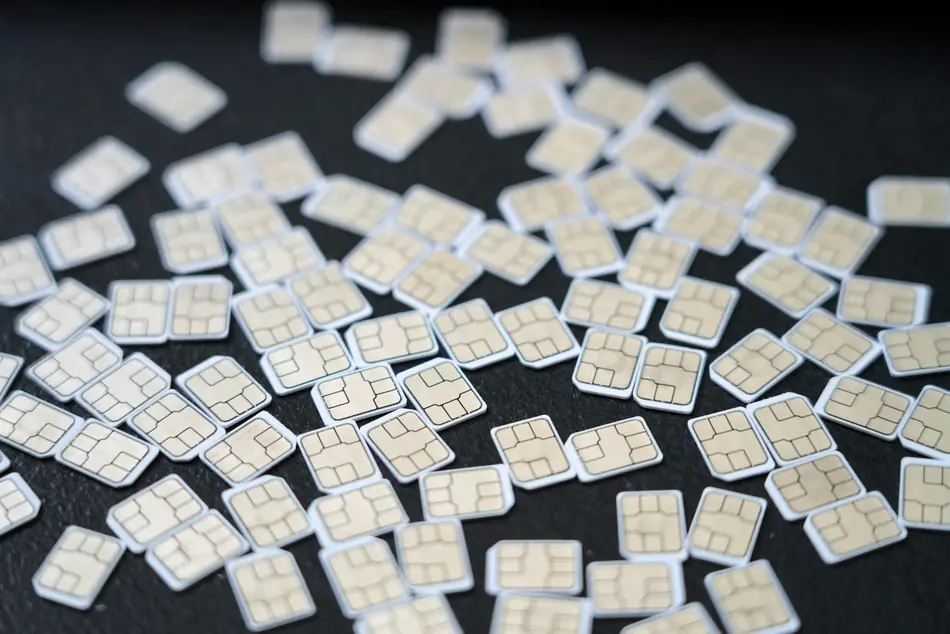
The bachurim's phone is locked behind a personal calling card with a balance and a voicemail box, and in the chadarim, a student phone dials only numbers the administration has approved. At the start of zman, cards are issued for hundreds of bachurim from a single list of names, even from an Excel file.
Nonprofits and Chesed Organizations
On a campaign night, hundreds of donors call at once - and no one hears a busy signal. The waiting queue takes everyone in, plays the campaign messages, and distributes the calls among the volunteers: from the call center, from home, or from a mobile phone. The next day you return to routine, without paying for an empty call center all year.
An information line for a gemach, open around the clock, and every inquiry is recorded in the call log - even the unanswered ones - so no one falls through the cracks.
Kesher keeps you in touch
With Kesher's stable infrastructure, your connection with your customers is better: clear sound, calls that don't drop, and an answer that reaches the right place. This is the foundation of everything we do.
Kesher worldwide
With Kesher's global server deployment, the connection is stable everywhere: calls run on an infrastructure deployed in several countries that does not depend on a single point.
Kesher from anywhere
Even when you travel abroad, Kesher keeps you reachable: the extension works on your mobile phone from any country, calls go out with the business number, and there are affordable calling packages abroad.
Kesher from any place
Also when working from home: computer software or a phone app connects to the system, so every employee answers and dials as if they were in the office - and the customer feels no difference.
Reliable Kesher
With Kesher's infrastructure you can relax - your connection is in good hands. We maintain the system for you, so you don't have to think about it.
Kesher for businesses
For large businesses working from several locations around the country: all branches on one system, with call transfer between branches, shared routing, and one overview for management.
Full self-management
A control panel where you see everything and change everything
Live overview. Who is on a call, who is free, and who is ringing - all extensions and calls on one screen.
Changes without a technician. A new menu message, business hours, a replaced employee - updated within minutes.
Call log and recordings. Every call is recorded in the log, including unanswered ones - so you can get back to every customer.
An illustrated guide for every screen. And every question is answered by a person, not an automated system.
Your office is in Israel. Your customers are all over the world. The call is local.
A local number in New York, London, or Antwerp that rings at your place in Israel,
and extensions that work from anywhere - on an infrastructure deployed across continents that works just as well at three in the morning.
Personal calling cards - common in yeshivas and institutions
More than a PBX
A complete digital office, from the browser
SMS from the business number. Confirmations, reminders, and updates - directly from the control panel.
Fax without a fax machine. Send a PDF or Word file from the browser, and receive faxes by email.
Calling cards for students. Issued by name, groups with a balance, and a tidy export to Excel.
Invoices and records. Produce an invoice for a period you choose and export the call log for a report.
Our customers
Want to hear how it would work for you?
Tell us how your phone works today - how many calls, who answers, what bothers you -
and we'll get back to you with a clear proposal that speaks in numbers, not slogans.